


For Litestream v0.3.x, refer to the previous article.
Install Litestream
-
Check the latest release on GitHub.
-
Pick and install the one that matches your machine architecture.
$ wget https://github.com/benbjohnson/litestream/releases/download/v0.5.5/litestream-0.5.5-linux-arm64.deb $ sudo dpkg -i litestream-0.5.5-linux-arm64.deb -
Enable and start the service.
$ sudo systemctl enable litestream $ sudo systemctl start litestream -
Check service status.
$ sudo systemctl status litestream
Configure Litestream
-
Locate the configuration file
$ sudo pico /etc/litestream.yml -
Configure local or S3 replicas based on your needs. Refer to the official guide for more.
access-key-id: AKIAxxxx secret-access-key: xxxxxx/xxxxxx region: xxxx sync-interval: 180s dbs: - path: /path/to/database replica: url: s3://xxx/yyy -
Save and restart the service.
$ sudo systemctl restart litestream
Check Backups
-
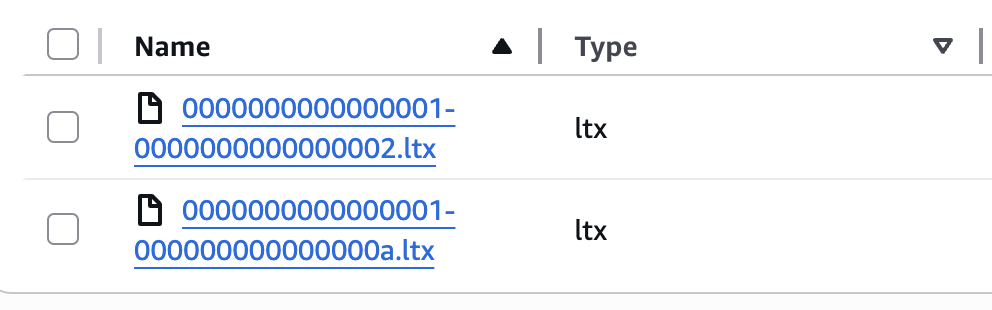
Snapshots are available in your S3 bucket.
Restore database
-
Install Litestream and copy the config file that contains the AWS S3 credentials.
-
If you lost the original S3 credentials, you can create a new one from the AWS console. Remember to give the necessary S3 permissions.
-
To restore, run the following command.
$ litestream restore -o /path/to/restored_database /path/to/database

