Our Goal
-
Users access https://calvin.my/test from their mobile phones.
-
If they have our mobile app installed, the mobile app automatically launches and shows the content.
-
Otherwise, the link is opened in the default browser.
Preparing the app
-
Create a new Android app.
-
Edit the AndroidManifest.xml to include an intent filter for the App Link.
<activity
    android:name=".MainActivity"
    android:exported="true"
    android:theme="@style/Theme.LinkOne">
    <intent-filter>
        <action android:name="android.intent.action.MAIN" />

        <category android:name="android.intent.category.LAUNCHER" />
    </intent-filter>
    <intent-filter android:autoVerify="true">
        <action android:name="android.intent.action.VIEW" />
        <category android:name="android.intent.category.DEFAULT" />
        <category android:name="android.intent.category.BROWSABLE" />
        <data android:scheme="https" />
        <data android:host="calvin.my" />
        <data android:pathPrefix="/test" />
    </intent-filter>
</activity>
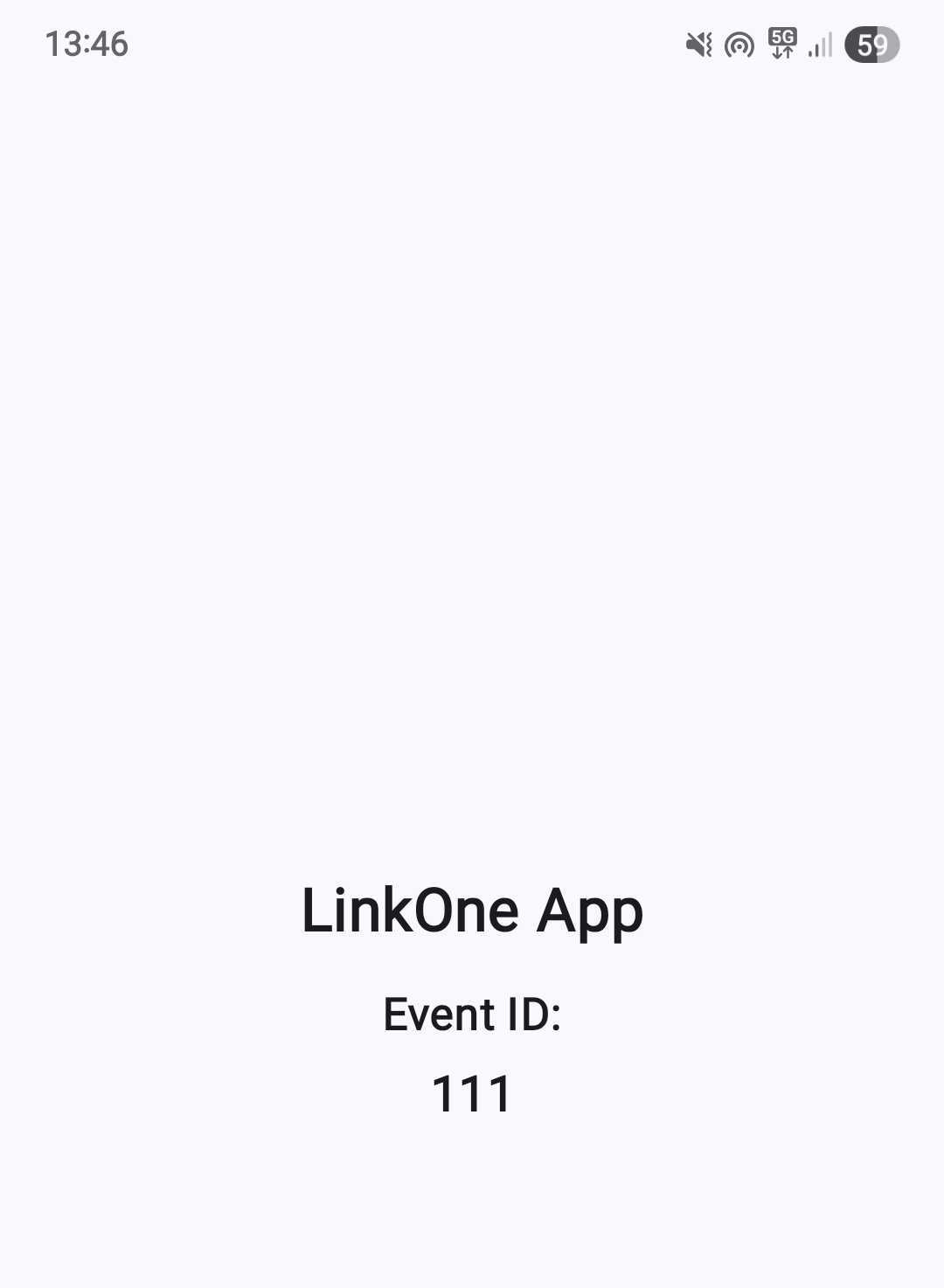
- We will print an ID from the URL for testing purposes.
class MainActivity : ComponentActivity() {
    override fun onCreate(savedInstanceState: Bundle?) {
        super.onCreate(savedInstanceState)
        enableEdgeToEdge()

        val eventId = extractEventId(intent)

        setContent {
            LinkOneTheme {
                Scaffold(modifier = Modifier.fillMaxSize()) { innerPadding ->
                    EventDisplay(
                        eventId = eventId,
                        modifier = Modifier.padding(innerPadding)
                    )
                }
            }
        }
    }

    override fun onNewIntent(intent: Intent) {
        super.onNewIntent(intent)
        setIntent(intent)
        val eventId = extractEventId(intent)
        recreate()
    }

    private fun extractEventId(intent: Intent): String? {
        return if (intent.action == Intent.ACTION_VIEW) {
            intent.data?.getQueryParameter("id")
        } else {
            null
        }
    }
}

@Composable
fun EventDisplay(eventId: String?, modifier: Modifier = Modifier) {
    Column(
        modifier = modifier.fillMaxSize(),
        horizontalAlignment = Alignment.CenterHorizontally,
        verticalArrangement = Arrangement.Center
    ) {
        Text(
            text = "LinkOne App",
            fontSize = 24.sp,
            fontWeight = FontWeight.Bold,
            modifier = Modifier.padding(bottom = 16.dp)
        )

        if (eventId != null) {
            Text(
                text = "Event ID:",
                fontSize = 18.sp,
                modifier = Modifier.padding(bottom = 8.dp)
            )
            Text(
                text = eventId,
                fontSize = 20.sp,
                fontWeight = FontWeight.Medium
            )
        } else {
            Text(
                text = "No event ID found",
                fontSize = 16.sp
            )
        }
    }
}
Preparing the URL
-
To associate the mobile app with the URL, we create and host an
assetlinks.jsonfile. -
The requirements include:
- It has to be publicly accessible and located at https://target-domain-name/.well-known/assetlinks.json
- It must not be redirected (E.g., 301 or 302)
- It has to be served as
application/jsontype
- The content must include 2 important values - the package name of the mobile app, and the SHA256 fingerprint of the signing cert.
[
  {
    "relation": ["delegate_permission/common.handle_all_urls"],
    "target": {
      "namespace": "android_app",
      "package_name": "xx.yy.zz",
      "sha256_cert_fingerprints": [
        "XX:XX:XX:XX..."
      ]
    }
  }
]
- You can get the fingerprint using this command:
$ keytool -list -v -keystore your-cert
Testing
-
Create a QR code of the URL you want to test. For example, https://calvin.my/test?id=111
-
Scan the QR code, and it opens up the default browser to the URL.
-
Build a signed copy of your mobile app and install it.
-
Scan the same QR code again, and it should now open the mobile app.