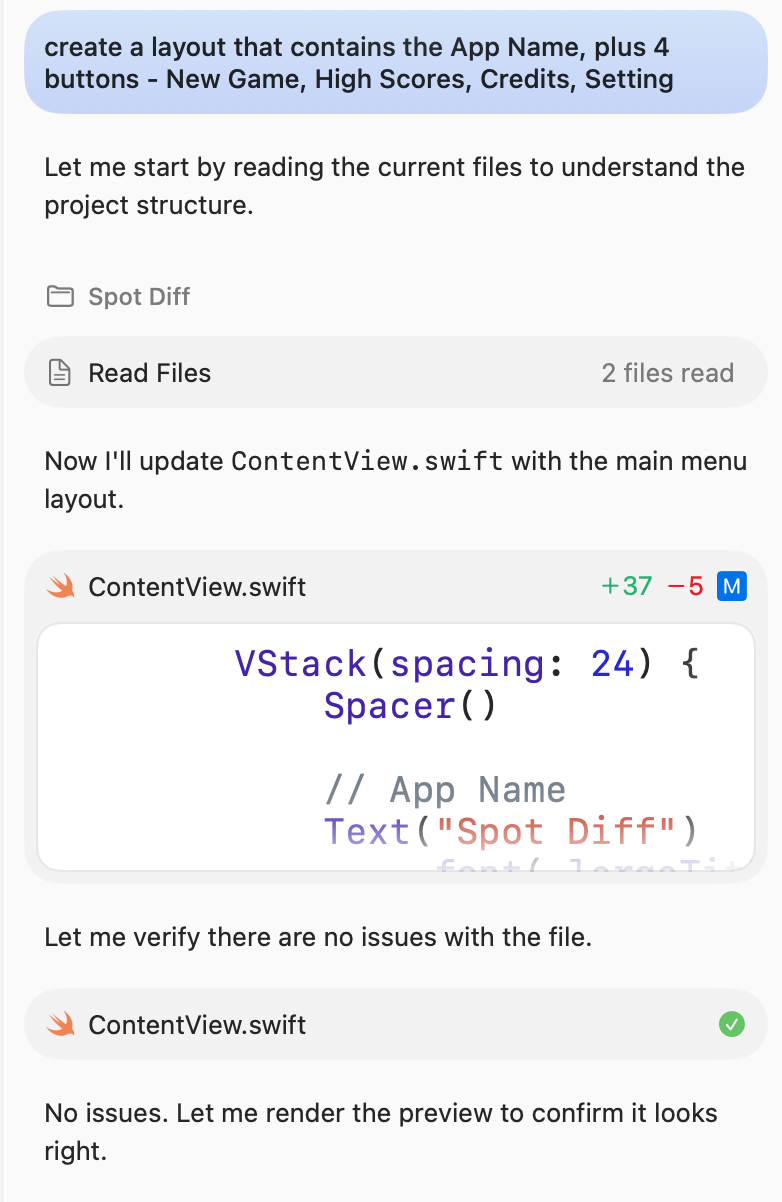
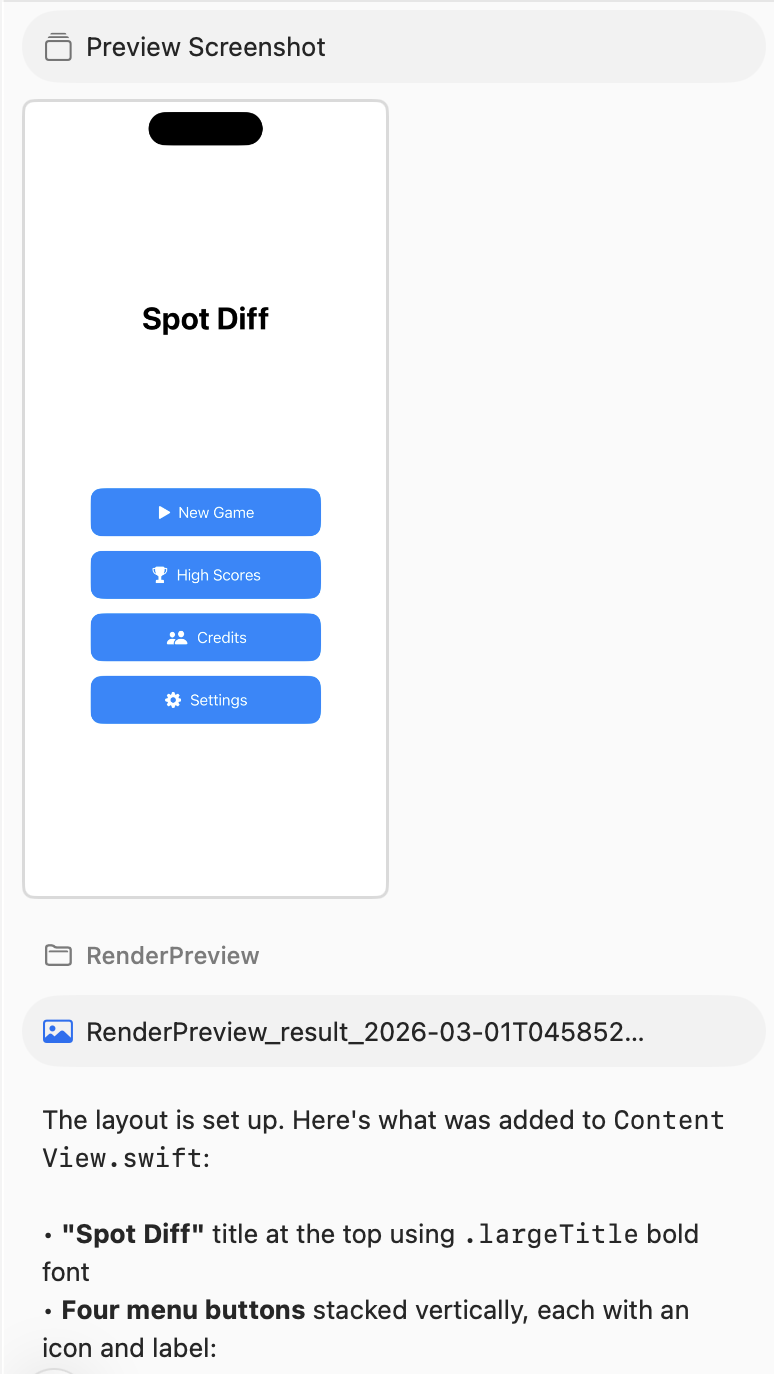
In Xcode v26.3, Apple ships a new agentic coding feature. This article shows the steps to enable the feature.
Setup
-
Upgrades Xcode to the supported version (v26.3).
-
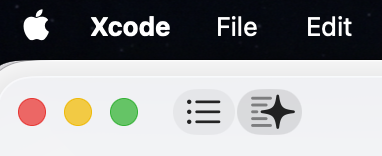
Opens the Coding Agent panel by clicking on the "star" button located at the top left.
-
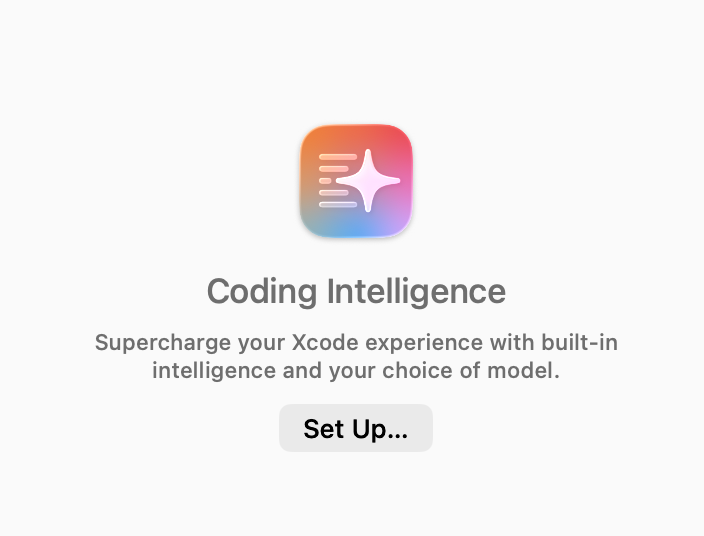
Clicks "Set Up..." to open the setting screen.
-
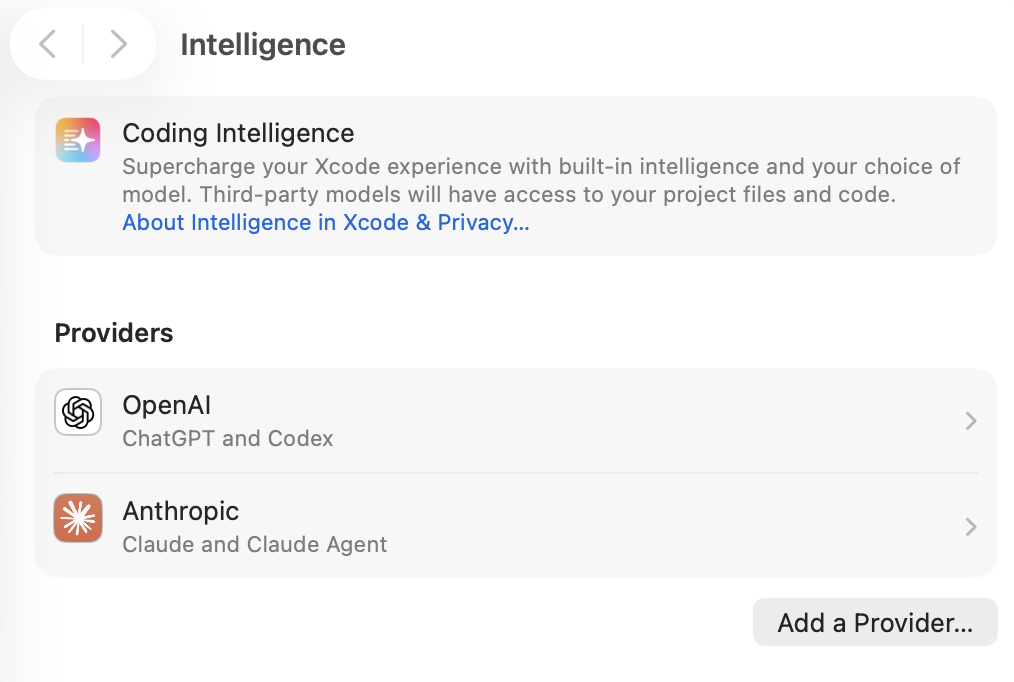
Pick a provider with which you have an active subscription. In this demo, Anthropic Claude is picked.
-
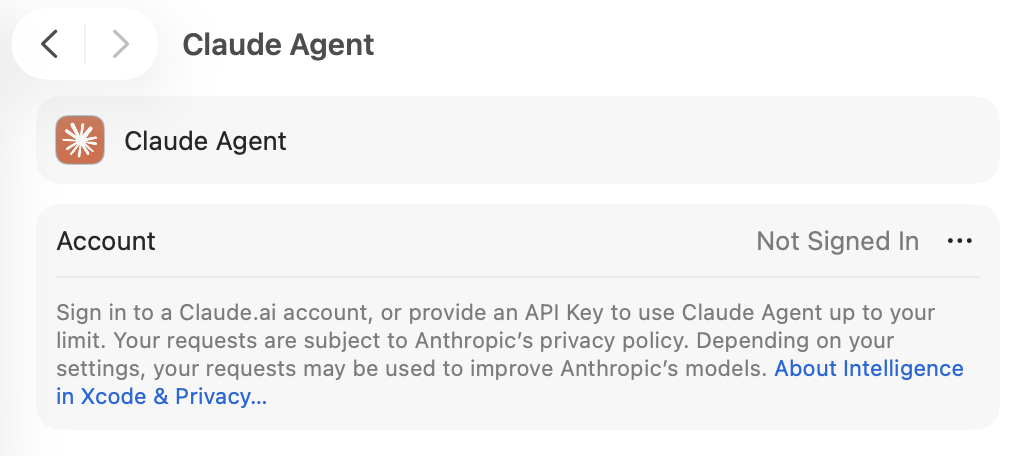
Now, you need to link your Claude subscription.
-
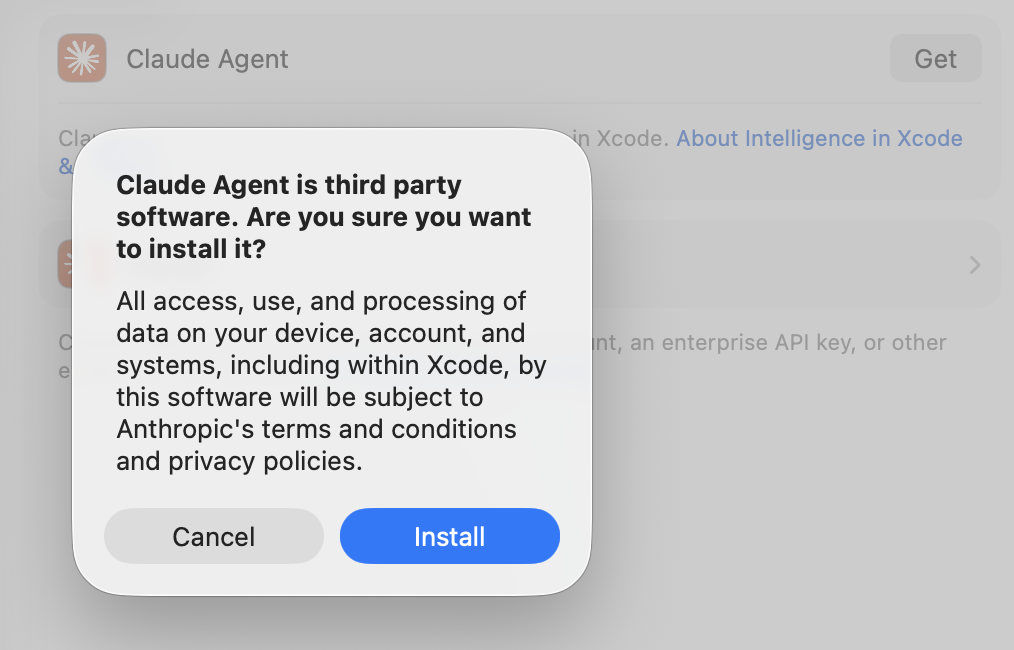
Next, install the Claude Agent tool.
-
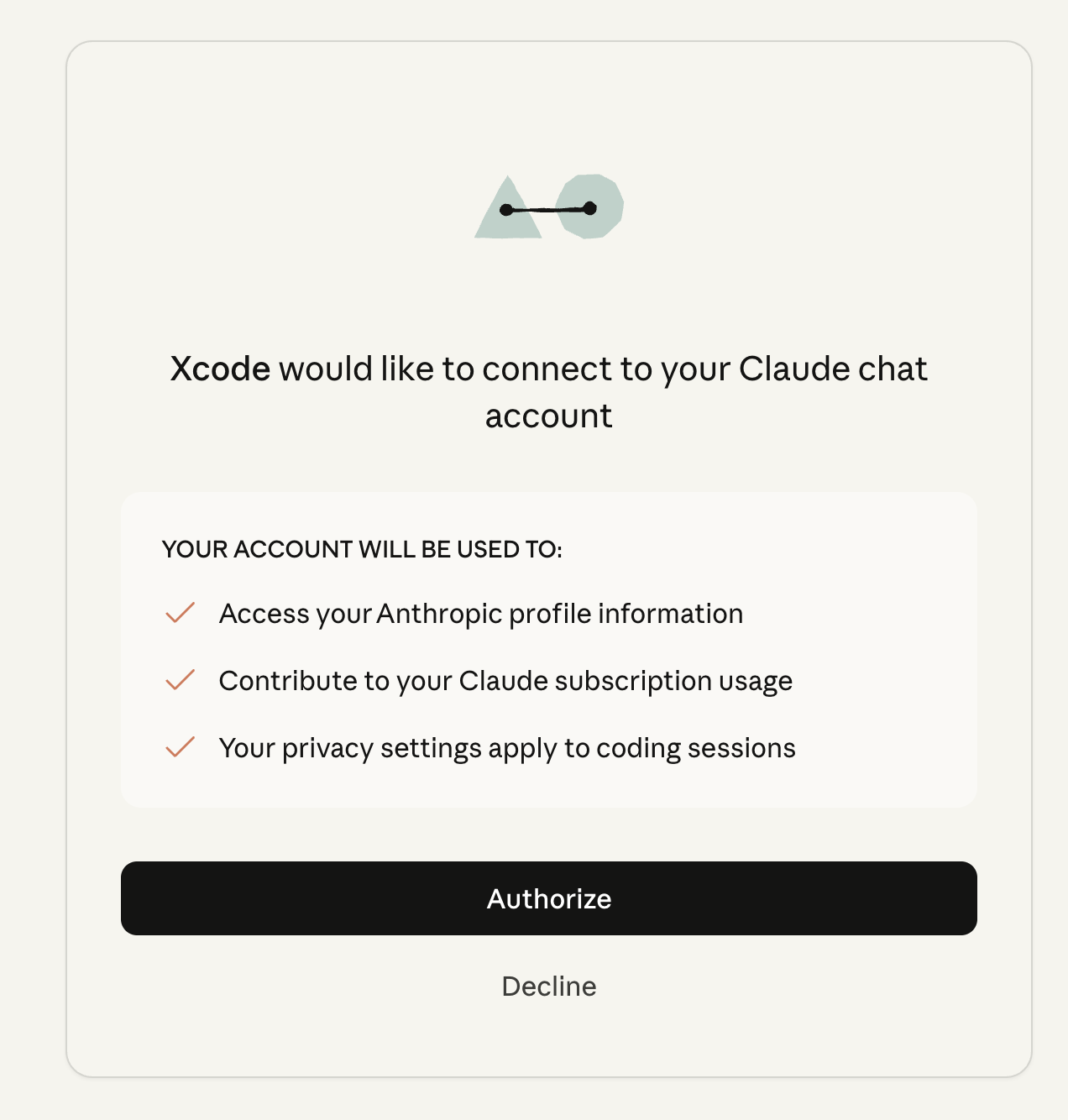
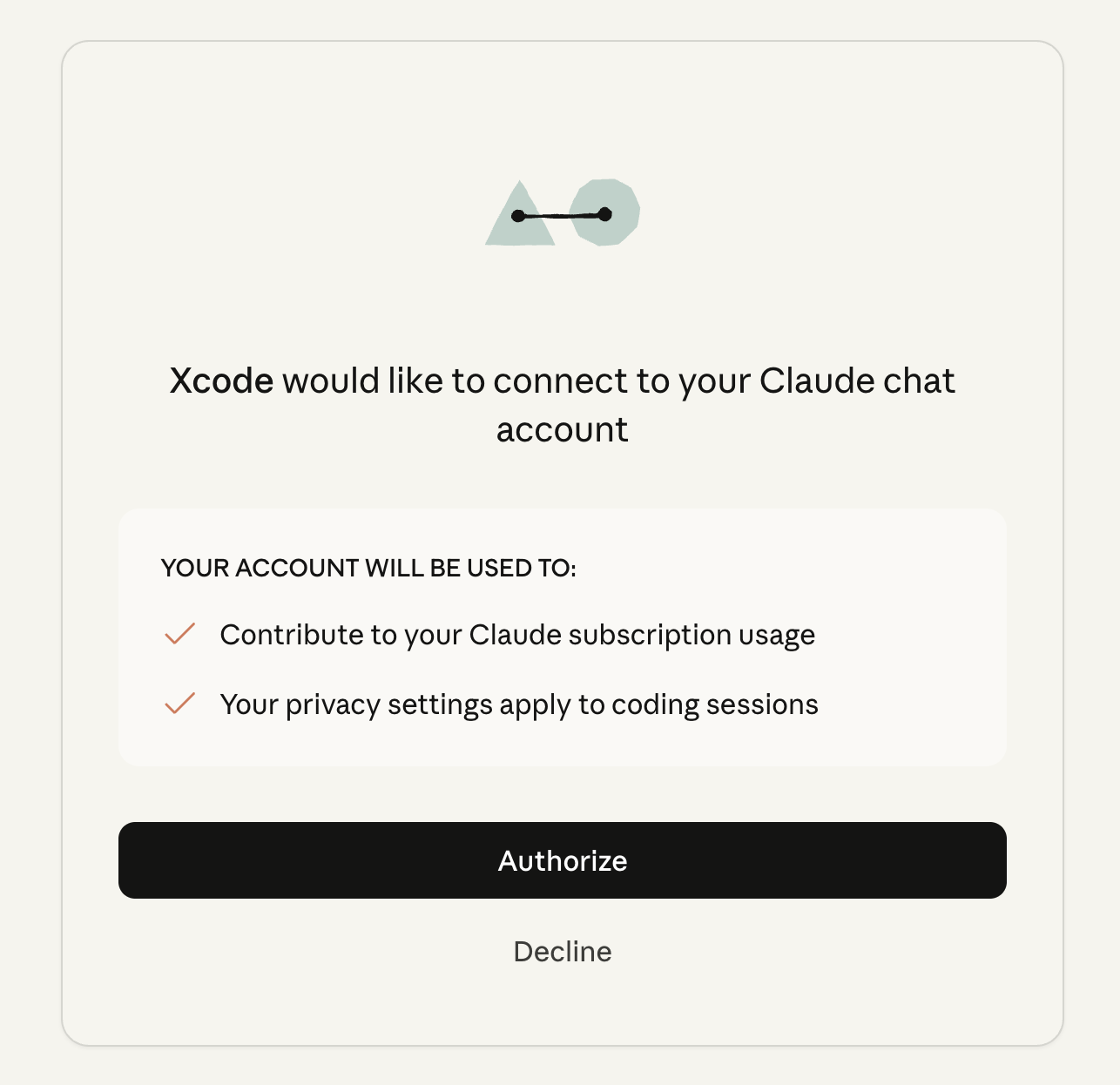
Finally, you need to authorize Xcode to consume your Claude Code's quota.
-
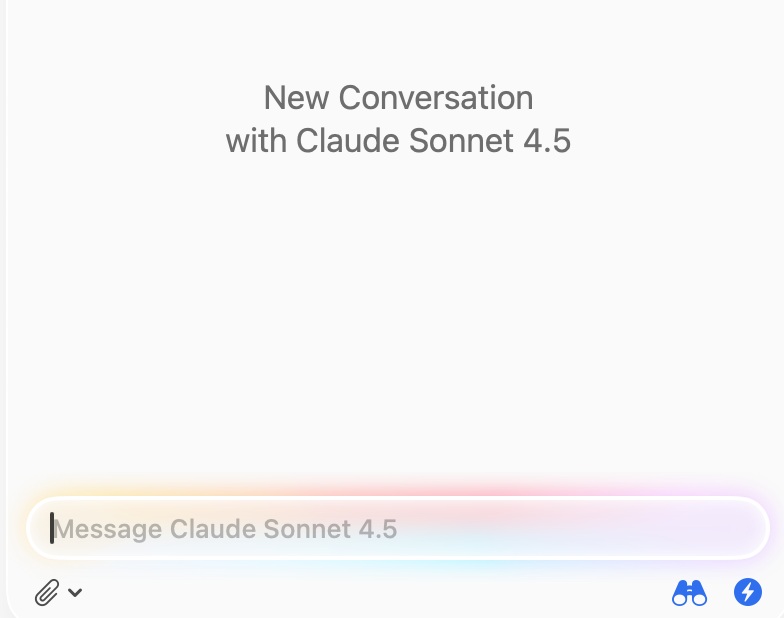
If the setup is successful, you should be seeing a chat interface.
Using it
-
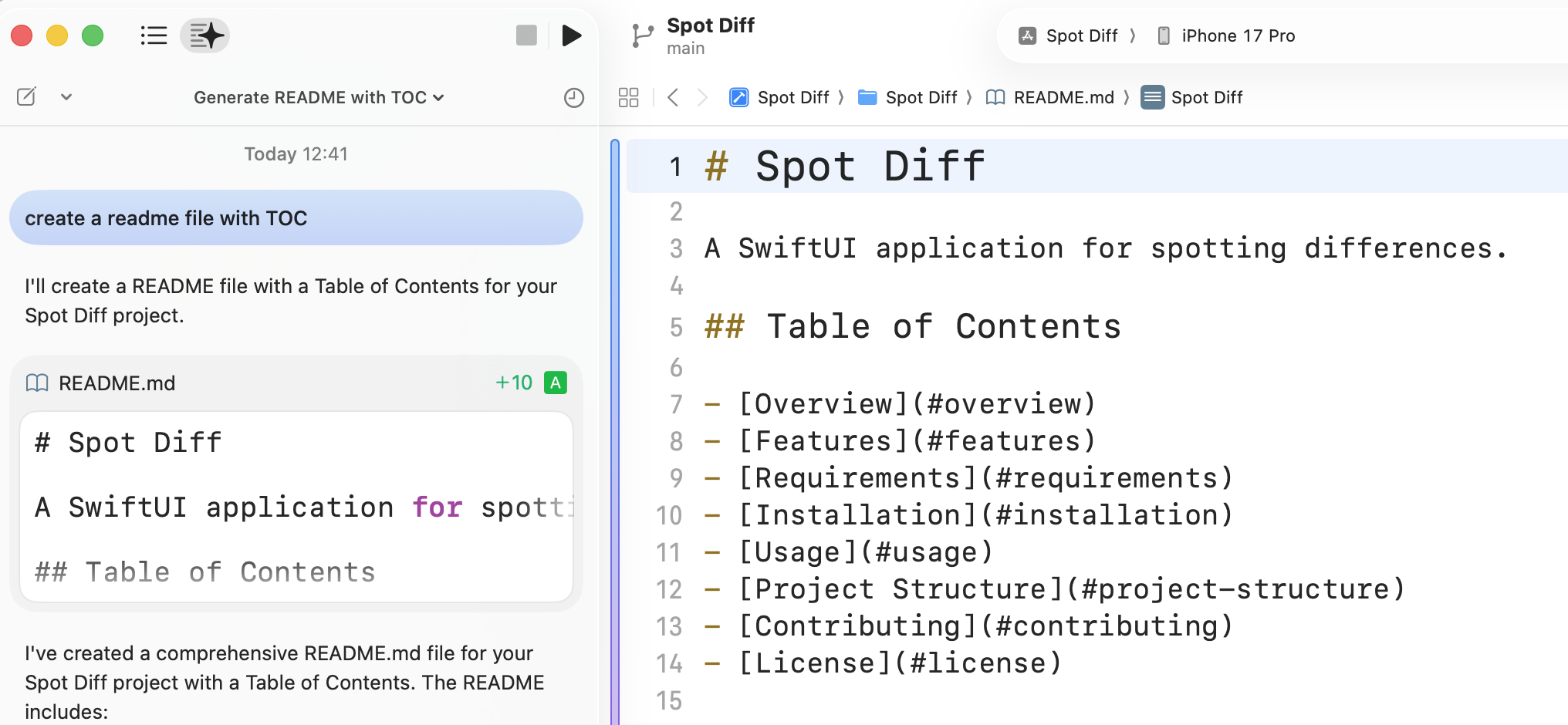
It starts by sending a new message. You can ask questions or complete tasks.
-
To report a concern or problem, use the "Report button" that appears at the end of each message.

-
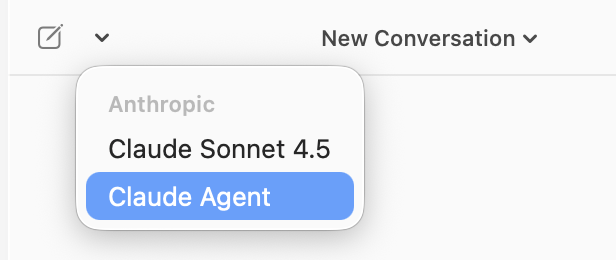
To switch to the Claude Agent, tap on the edit button located at the top of the panel.
-
You can now start building with the Claude Agent tool.