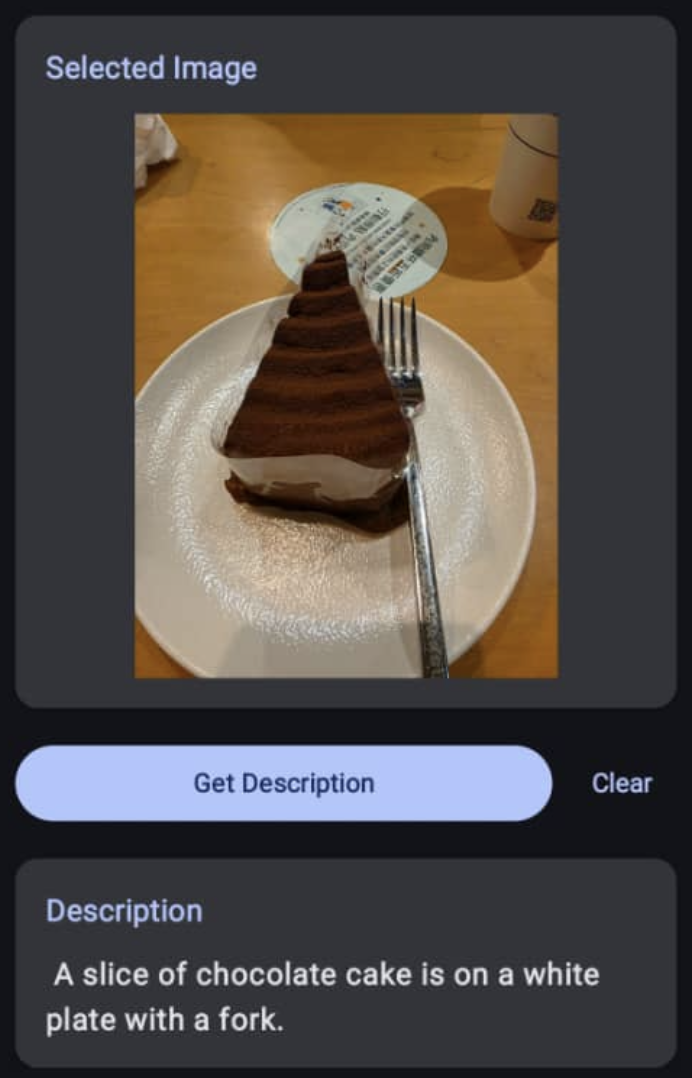
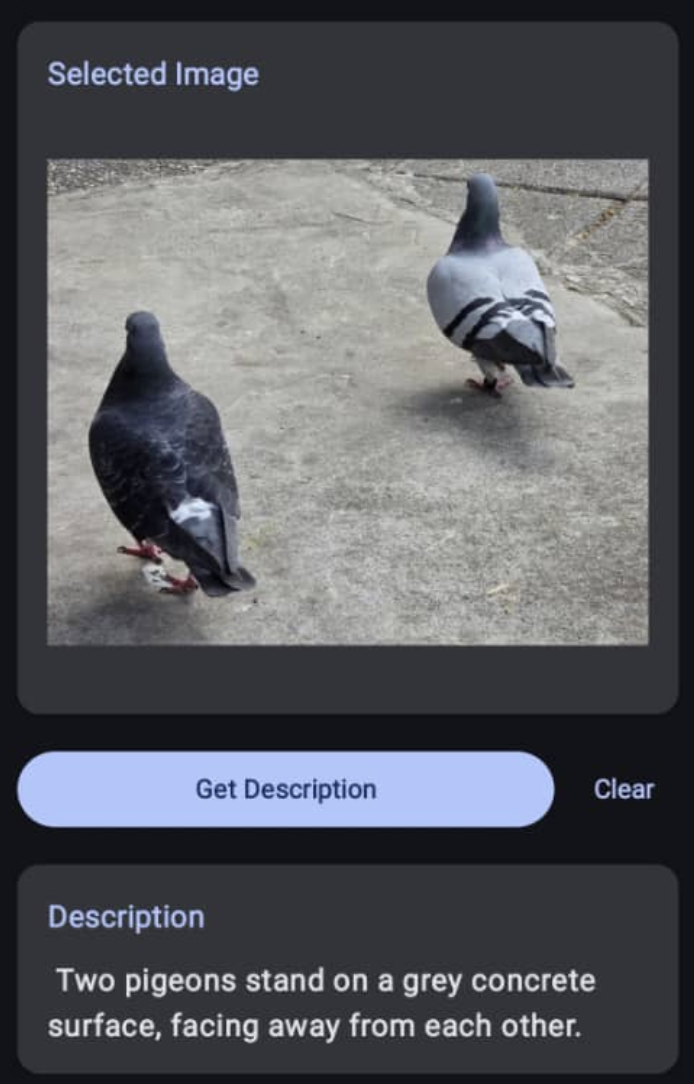
This article shows a mobile app that uses the Gemini Image Description API on Android.
Reference: https://developers.google.com/ml-kit/genai/image-description/android
Pre-requisites
- Support Android SDK Level 29 and above
- The feature availability is limited to certain flagship devices (Does not work on the emulator)
- The description output is limited to English
Key Steps in the Implementation
-
Initialize the image descriptor
import com.google.mlkit.genai.imagedescription.ImageDescriberOptions import com.google.mlkit.genai.imagedescription.ImageDescriber ... private var imageDescriber: ImageDescriber? = null fun initializeClient(context: Context) { if (imageDescriber == null) { val options = ImageDescriberOptions.builder(context).build() imageDescriber = ImageDescription.getClient(options) } } -
To check if the device is supported and to download the model if it is not available
import android.content.Context import com.google.mlkit.genai.common.FeatureStatus import kotlinx.coroutines.guava.await ... suspend fun checkFeatureStatus(context: Context): Int { initializeClient(context) val describer = imageDescriber ?: return FeatureStatus.UNAVAILABLE return describer.checkFeatureStatus().await() } -
Similar to the Web API, the feature status has 4 possible values - Available, Unavailable, Downloading, Downloadable
If the value is unavailable, you can't proceed further. Your device might not be supported.
-
If the value is downloadable, you need to trigger the model download. This usually happens when you use the API for the first time.
suspendCoroutine { continuation -> try { val describer = imageDescriber ?: throw IllegalStateException("ImageDescriber not initialized") describer.downloadFeature(object : DownloadCallback { override fun onDownloadStarted(bytesToDownload: Long) { onProgress(0) } override fun onDownloadProgress(totalBytesDownloaded: Long) { onProgress(totalBytesDownloaded) } override fun onDownloadCompleted() { continuation.resume(true) } override fun onDownloadFailed(error: GenAiException) { continuation.resumeWithException(error) } }) } catch (e: Exception) { continuation.resumeWithException(e) } } -
Once the model is downloaded, you can now use the API on the device without an active internet connection.
-
We can now pass a Bitmap and ask for a description.
return suspendCoroutine { continuation -> try { val describer = imageDescriber ?: throw IllegalStateException("ImageDescriber not initialized") val request = ImageDescriptionRequest.builder(bitmap).build() val result = StringBuilder() var lastUpdateTime = System.currentTimeMillis() var isResumed = false describer.runInference(request) { text -> result.append(text) lastUpdateTime = System.currentTimeMillis() } CoroutineScope(Dispatchers.Default).launch { while (!isResumed) { delay(100) val timeSinceLastUpdate = System.currentTimeMillis() - lastUpdateTime if (timeSinceLastUpdate > 500 && result.isNotEmpty()) { if (!isResumed) { isResumed = true continuation.resume(result.toString()) } } // Timeout after 30 seconds if (timeSinceLastUpdate > 30000) { if (!isResumed) { isResumed = true if (result.isEmpty()) { continuation.resumeWithException(Exception("Timeout: No description generated")) } else { continuation.resume(result.toString()) } } } } } } catch (e: Exception) { continuation.resumeWithException(e) } } -
Finally, we should call the close method to clean up the initialized resource.
fun cleanup() {
    imageDescriber?.close()
    imageDescriber = null
}
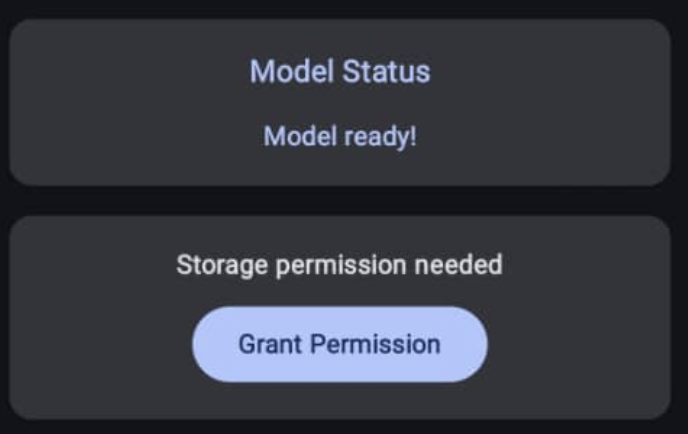
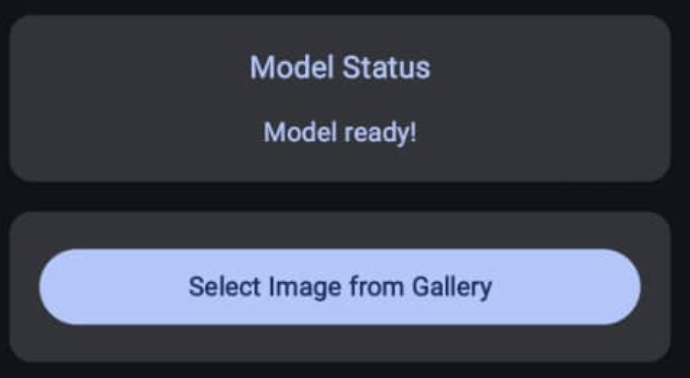
A sample screen flow illustration
-
Prompt the user to download the model.
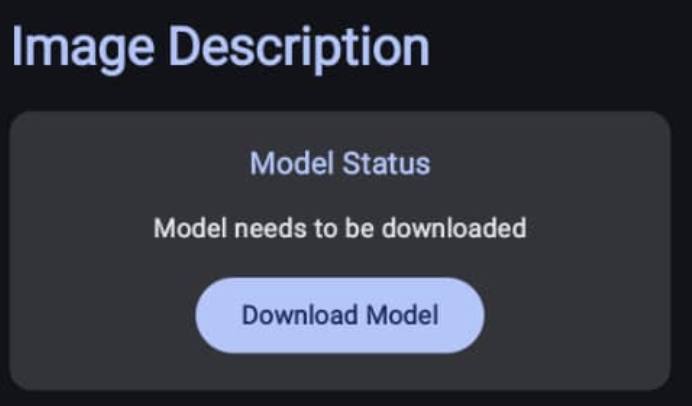
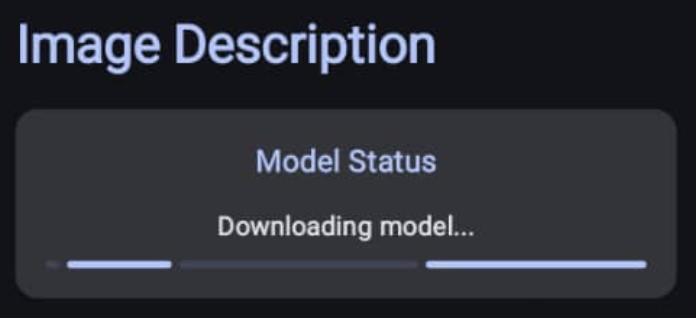
-
Ask for storage permission to add a picker.
-
And we are ready to test.
The results